StoryHawk Blog
Google Launches "Search Profiles": A Game-Changer for Creators and Publishers (How to Claim Yours)
Google's new Search Profiles feature turns search results into a claimable link-in-bio hub. Here is everything you need to know about eligibility, setup, and the hidden rules every creator must understand.
Google has just quietly rolled out a new way for publishers and creators to shape their presence on Search.
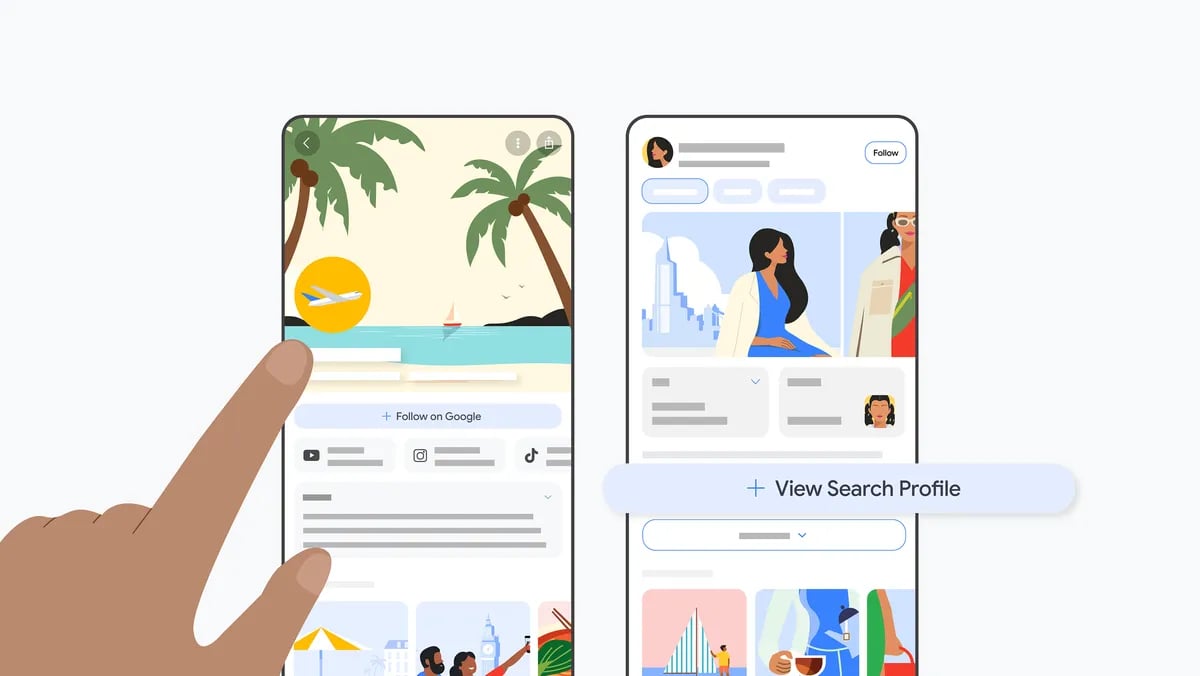
Called Search Profiles, this new feature is a dedicated, shareable space to highlight content across platforms, and help audiences find accurate, up-to-date information about sources on Search. If you have been relying on third-party link tools or hoping the algorithm correctly pairs your social media accounts, this update gives you the steering wheel.
Here is everything you need to know about what Search Profiles are, why they matter for your traffic, and exactly how to claim or build yours.
What is a Google Search Profile?
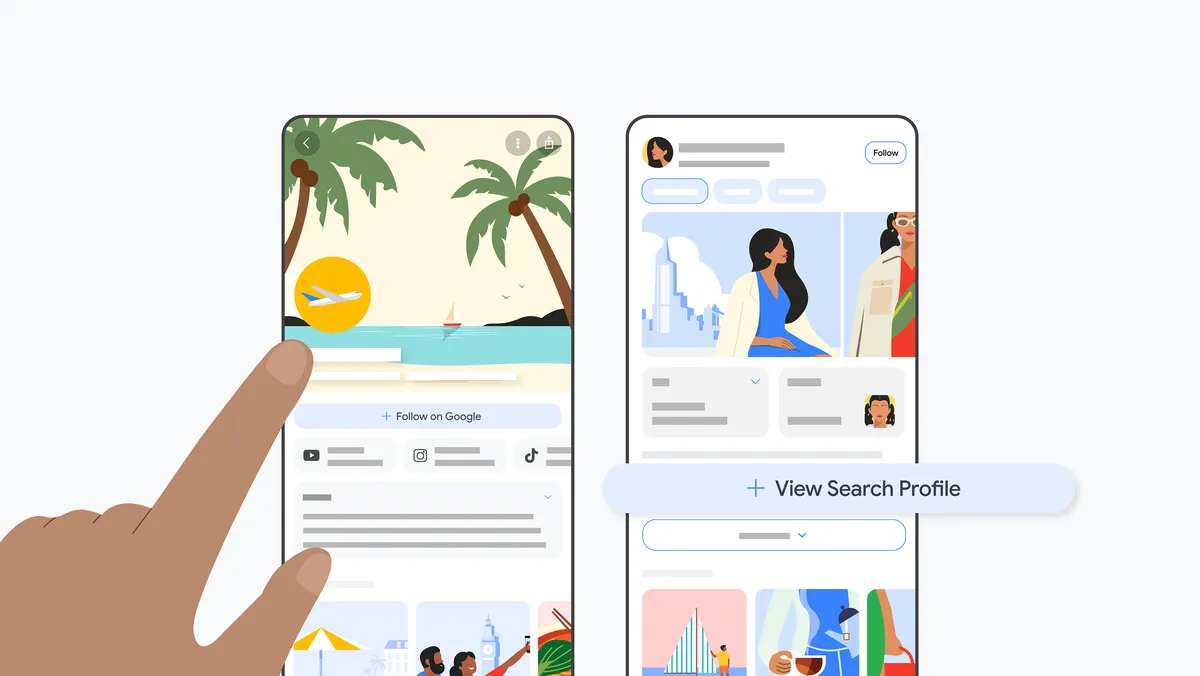
Search profiles give publishers and creators a central place to showcase their latest articles, videos and social posts. People can easily follow sources from their profile, so they are more likely to see that content on Discover, found on the home screen of the Google app.
Search profiles can be accessed on mobile via a creator or publisher's knowledge panel (the information box on Search for notable people, places and things), by tapping the name of a publisher or creator on Discover, or through a direct URL.
To start, publishers and creators with a sizable following on at least one major social or video platform can claim their Search profile and customize it with an avatar, bio, website, social media and video platforms, and other important content. Claiming a profile may trigger the creation of a knowledge panel for eligible publishers and creators. If you already have a knowledge panel, it will be enhanced with your updated avatar, latest content, and a direct profile link.
The Major Features You Unlock
- The "Follow" Engine (The Biggest Traffic Driver): Your profile features a prominent Follow button. When a user clicks it, Google's algorithms are signaled to heavily prioritize your content in their personal Google Discover feed — the highly active content feed on the home screen of the mobile Google app.
- The Content Pinboard: You can pin up to 8 featured posts or videos from the past year to the top of your profile, ensuring users see your absolute best work first.
- Custom Link Hub: You can add up to 8 direct external links to drive traffic straight to your shop, newsletter, courses, or website.
- Analytics Dashboard: You get a backend performance tracker showing insights into how your content is performing across both Google Search and Discover.
Are You Eligible?
Google is keeping the gates relatively high for the initial launch. To prevent mass squatting on names, you must meet a strict set of criteria to create or claim a profile:
- Location: You must be based in the United States (Google plans to expand worldwide later).
- Age: You must be at least 18 years old (though adults can claim and manage a profile on behalf of a creator who is under 18).
- The Follower Thresholds: You must hit a minimum audience size on at least one major content platform.
| Platform | Minimum Follower / Subscriber Requirement |
|---|---|
| YouTube | 100,000 |
| 100,000 | |
| X (formerly Twitter) | 100,000 |
| TikTok | 300,000 |
Important Reality Check: Google has explicitly stated that creating a Search Profile does not give your website's articles a direct ranking boost in standard search results. Its value is purely in audience retention (via Google Discover), brand control, and click-through optimization.
How to Claim or Build Your Profile
Because Google has been preparing for this launch, its algorithms have already auto-generated profiles for many creators who already have a "Knowledge Panel" — the info box that appears when you search a famous person or brand.
Step 1: Check for an Auto-Generated Profile
Before you try to make one from scratch, see if Google already built it for you:
- Go to profile.google.com while logged into your creator Google account.
- Alternatively, Google your own name. Look at your Knowledge Panel, click the More icon (three dots), and look for View Search Profile.
- If it is there, click Claim this profile.
Step 2: The Setup and Verification Sequence
If you do not have an auto-generated one, go to profile.google.com/claim and follow these steps:
- Select Your Account (Crucial for YouTubers): Sign in with the Google Account you want tied to your brand. If you have a YouTube channel, use that exact Google account (or one with manager rights). This instantly fast-tracks your identity verification.
- Verify Your Core Social Platform (The Eligibility Check): Log into the social media account (YouTube, Instagram, X, or TikTok) that clears the follower threshold. Google will prompt you to enter your credentials to prove you own it.
- Establish Your Handle (Automatic Assignment): Google will automatically set your Search Profile handle to match your most-followed social media handle. If that handle is already taken on Google's backend, it will roll over to your second most-followed platform's handle.
- The Identity Safety Net (If Prompted): If Google cannot automatically verify you through YouTube or your social logins, it will prompt you for a "Selfie with ID" check. You will need to submit a photo holding your government ID and fill out a quick review form.
- Audit and Go Live (Final Step): Review the social links Google has pulled in. If Google's AI accidentally attached an old account or a copycat account, click More → Remove Account. Once everything looks clean, click Create Profile.
3 Hidden Rules Every Creator Needs to Know
Managing a Google Search Profile is vastly different from managing a normal social media page. Keep these three structural quirks in mind:
- No Multi-User or Admin Access: As of right now, Google does not support "Editor" or "Manager" roles. The profile is locked entirely to the single Google Account used to claim it. If you have an agency or an assistant managing your links and pins, you will have to share the master login credentials.
- One Brand Per Google Account: You cannot manage multiple brands from one dashboard. If you run a personal brand, a separate business, and a popular podcast, Google will likely generate three different profiles. You must use a different Google Account to claim each one.
- Updates Are Not Instant: While your social media content will automatically update on your profile within 24 hours of posting, any factual changes you make to your profile name, bio, or external links must go through a manual Google approval process. They will sit in a "Pending" status until verified.
Our Take: A Social Profile for Big Brands, Not a Publisher Intelligence Tool
Based on the video provided by Google, Search Profiles looks — at least at this stage — essentially like a social profile for large websites and well-known creators. It is a polished, public-facing hub, but it stops well short of being a data or intelligence tool.
Notably absent is any meaningful data about followers gained through Google's own products. There is no visibility into how many users follow a publisher through a Preferred Source selection in Google Top Stories, nor any breakdown of Google News followers or Discover engagement. For publishers who have invested heavily in building a loyal Google audience, that data gap is significant — you still cannot see the full picture of your reach within Google's own ecosystem.
Whether Google plans to surface this data over time remains to be seen. For now, Search Profiles is a brand visibility and audience retention play, not a publisher analytics dashboard.
We also tried to access Search Profiles from the UK and, as expected given the current US-only rollout, hit a wall immediately.
Track your Google News and Discover visibility in real time.
Monitor rankings, competitor movement, and headline performance with StoryHawk.
Sources